
GabeTeX
A native LaTeX editor for macOS, made for writing mathematics in multi-file projects.
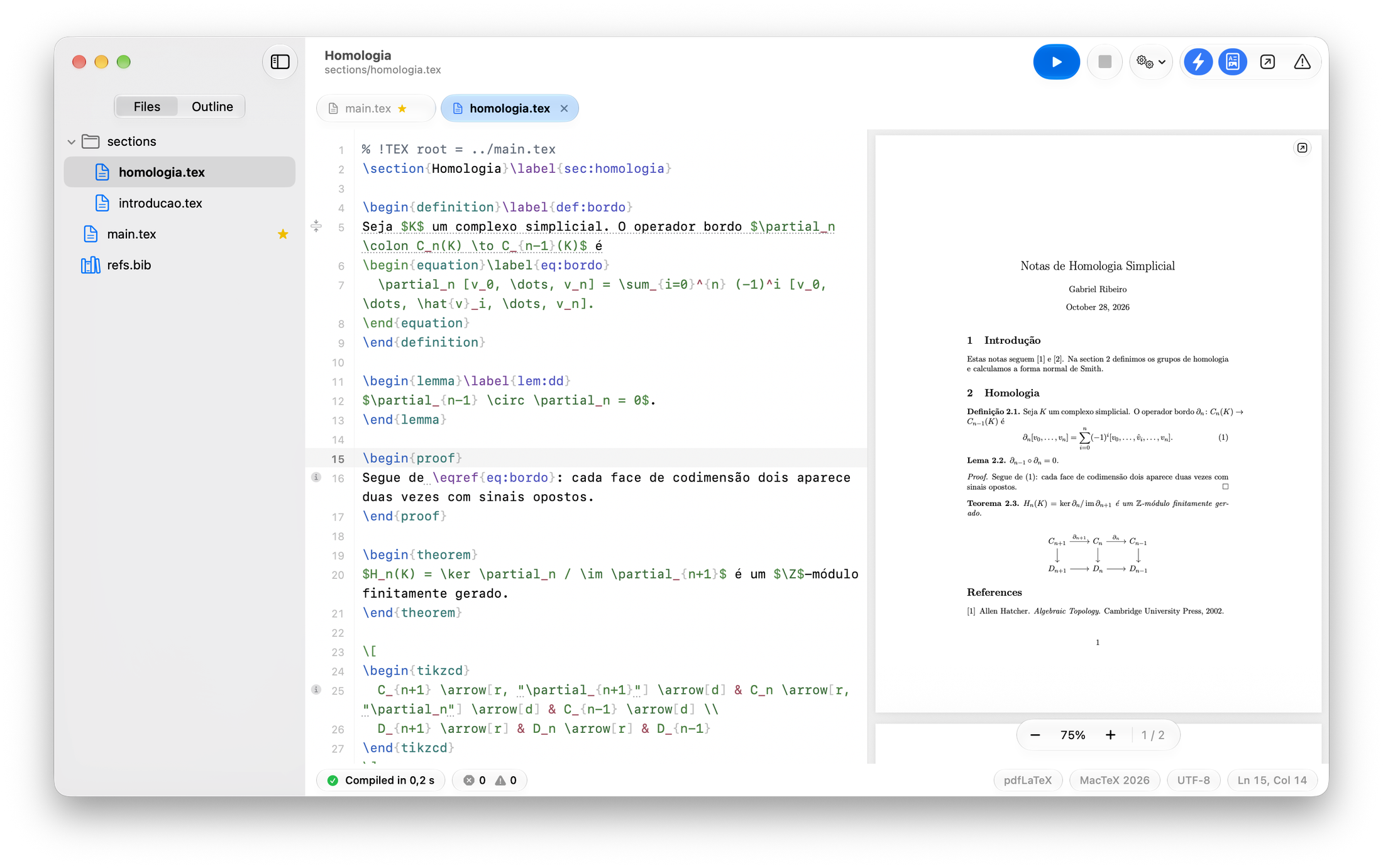
Made for the way mathematicians write.
A main file, one file per section, and a PDF that keeps up with you.
Native to macOS 26
SwiftUI and AppKit with Liquid Glass, Light and Dark, and SF Mono in the editor. It looks and behaves like the rest of your Mac.
One file per section
Open a folder and work on the whole project: main.tex plus sections/*.tex, tabs, an outline across every included file, and the main file found for you.
Adapts to your TeX
Finds MacTeX, TeX Live, BasicTeX or TinyTeX, compiles with pdfLaTeX, XeLaTeX or LuaLaTeX, and installs missing packages with tlmgr when you ask.
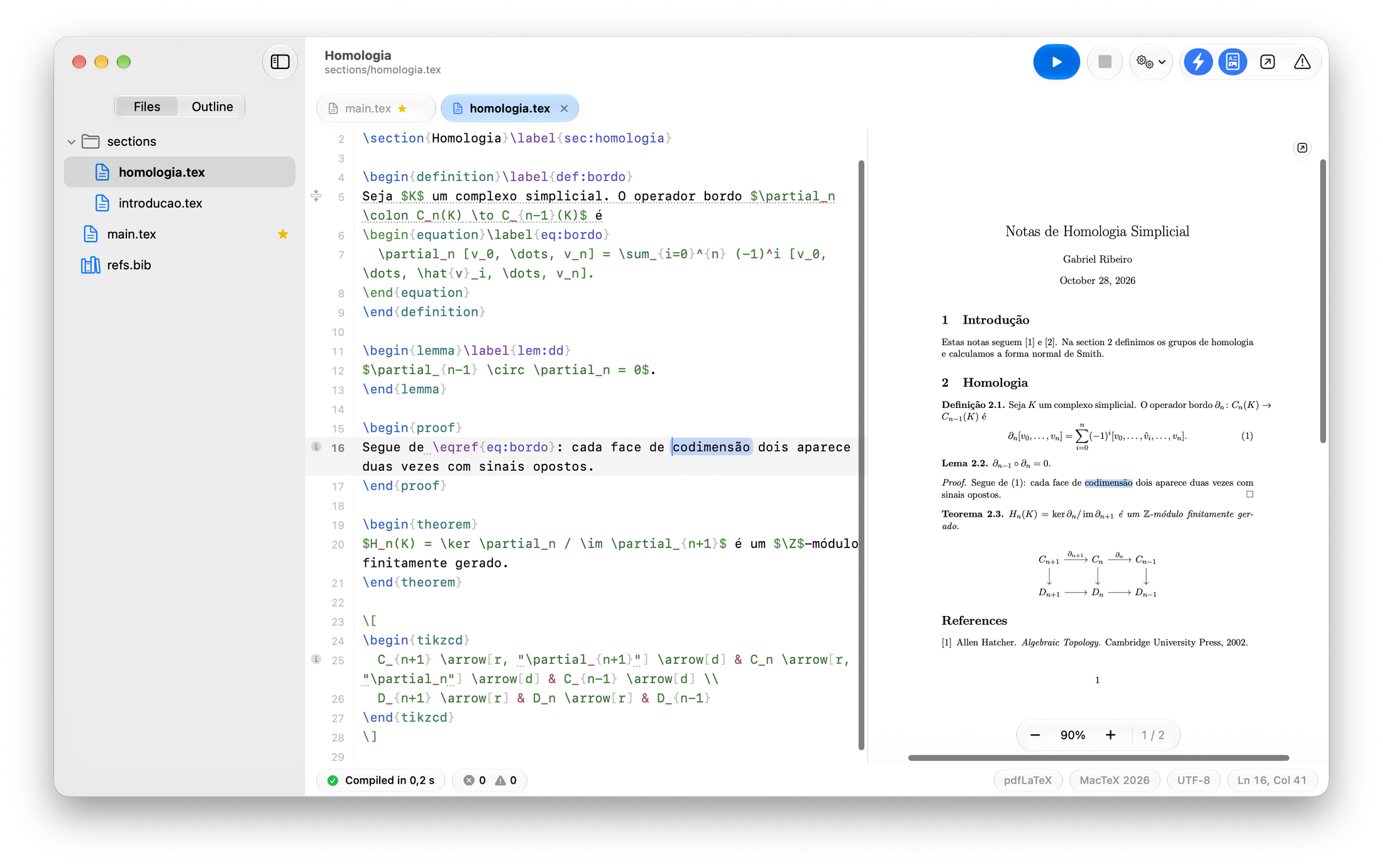
From PDF to source, word for word.
Double-click a word in the PDF and the editor lands on that exact word. ⌘‑click in the editor, or press ⇧⌘J, to go the other way. Wherever you land is briefly highlighted.
Present your slides.
Beamer slides on the projector, and on your Mac the current and next slide, your notes, a timer and the clock.
Your notes stay with you
Beamer notes on the second screen are split for you: the slide goes to the audience, the notes to your Mac.
The keys you already know
Arrows, Space and Page Down move through the slides, a number and Return jump to one, B blanks the screen and Esc ends.
One display is enough
Without a projector the slides go full screen, and P shows the presenter view. Recompile during the talk and you stay on the same slide.
Compiles while you type.
Errors show up underlined at the right line, before you even save.
Your files stay untouched
latexmk runs in the background on a private copy of the project that includes your unsaved text. Nothing on disk changes until you save.
The right line of the right file
Errors and warnings from the TeX log and from ChkTeX are underlined where they happen, even inside a section file, and collected in the Issues list.
Missing packages, installed
When a package is missing, GabeTeX offers to install it with tlmgr and asks for your administrator password only when it has to.
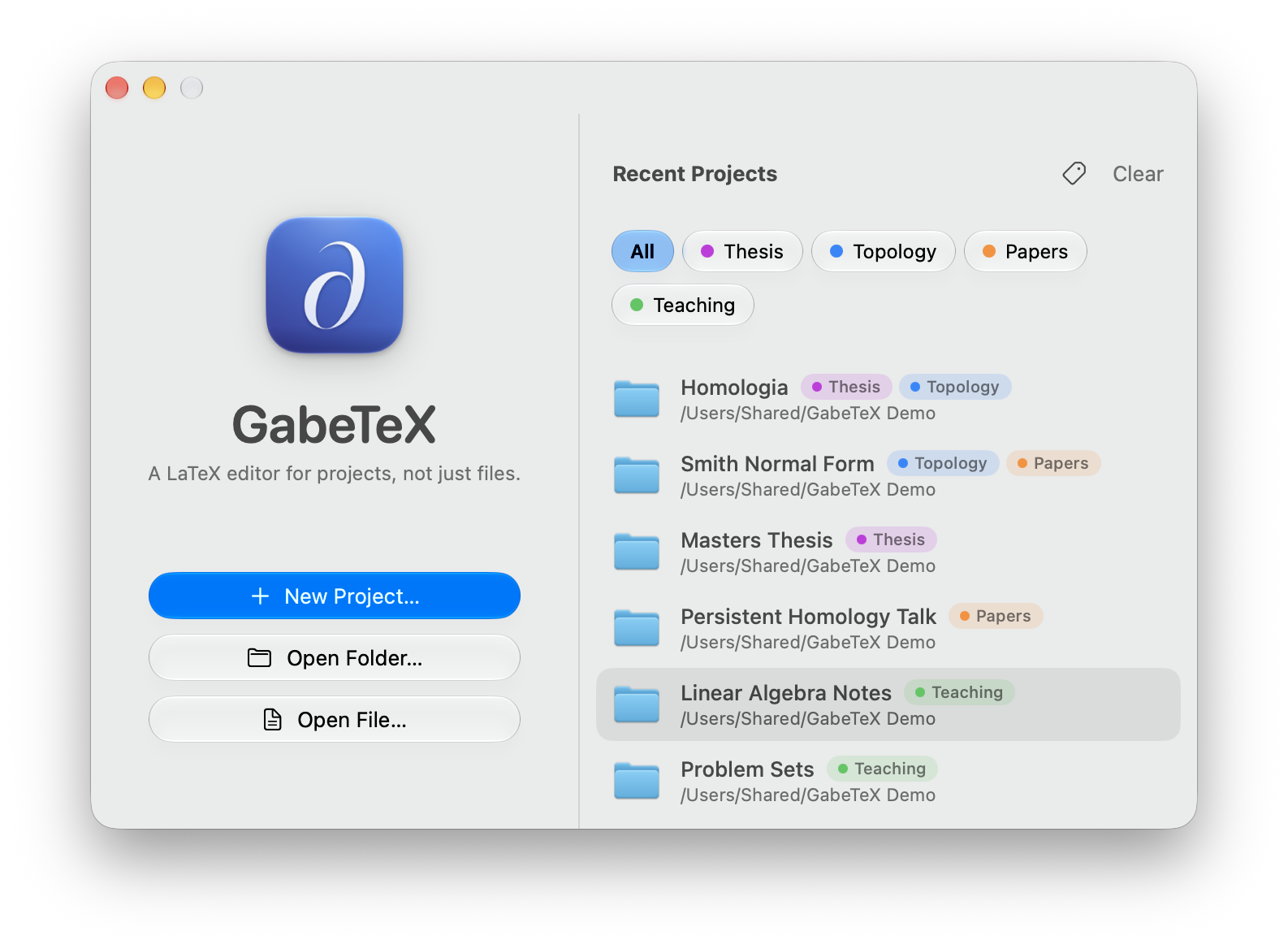
Labels for your projects.
Give projects color labels on the Welcome window, filter the list with a click, and search it as it grows. Labeled projects never fall off the recents list.
The PDF, on its own display.
Detach the preview into its own window, move it to a second display or go full screen, and dock it back whenever you like. Live updates and sync keep working.
And all the details.
-
Quick Open and tabs
Press ⌘P to jump to any file in the project; keep the ones you’re working on in tabs.
-
An outline across files
Sections, frames and labels from every included file, in one outline.
-
⌘‑click to follow
⌘‑click
\input{…}to open the file, or\ref{…}to jump to its\label. -
Reference warnings
A
\ref{…}that doesn’t exist? You’ll know before you compile. Duplicate labels and citations missing from your bibliography are underlined too. -
Word and page count
Words and pages for the whole document and for each section, in the status bar and the outline.
-
Autocomplete
Commands, environments,
\refand\citekeys, files and packages, with snippets. -
Command palette
⇧⌘P finds any command by name. Set your own shortcuts in Settings, and complete with Tab.
-
Vim mode, if you want it
Operators, visual modes,
i$for math,iefor environments,:wand:make. Dead keys on ABNT2 and US-International just work. -
Touch Bar
Compile, Show in PDF, Greek letters, math symbols and environments, plus page and zoom controls for the PDF. Customizable.
-
Careful with your files
UTF-8 and Latin-1 detection, atomic saves that keep file metadata, and external changes noticed.
-
A PDF next to main.tex
⌘B saves and exports the PDF beside
main.tex; ⇧⌘K cleans the auxiliary files. -
English and Portuguese
The interface follows your system language: English or Brazilian Portuguese.
Install in three steps.
For Macs with Apple Silicon running macOS 26 or later.
-
Open GabeTeX.dmg
Double-click the file you downloaded.
-
Drag GabeTeX to Applications
In the window that opens, drag the GabeTeX icon onto the Applications folder.
-
Open it the first time
macOS says it can’t verify the app. Go to System Settings › Privacy & Security and click Open Anyway. You only do this once.
Why the warning?
GabeTeX is ad-hoc signed but not notarized: it’s a free project without an Apple Developer ID, so macOS can’t check it with Apple. If you prefer Terminal, this removes the quarantine flag instead.
xattr -dr com.apple.quarantine /Applications/GabeTeX.appYou also need a TeX distribution.
MacTeX is recommended. BasicTeX and TinyTeX work too, and GabeTeX can install the packages they’re missing.
Or build it yourself.
GabeTeX is free and open source under the MIT License. The Command Line Tools for Xcode (Swift 6.4) are all you need, not the full Xcode. The script builds build/GabeTeX.app; add --install to copy it to ~/Applications.
git clone https://github.com/gabe-rbo/GabeTeX.git
cd GabeTeX
Scripts/build-app.sh
Versions
Every GabeTeX release, newest first. Updated automatically from GitHub.
All releases on GitHub